

Authentication
Sim APIs use API keys to authenticate requests. You can create and manage your API keys in your Sim Dashboard.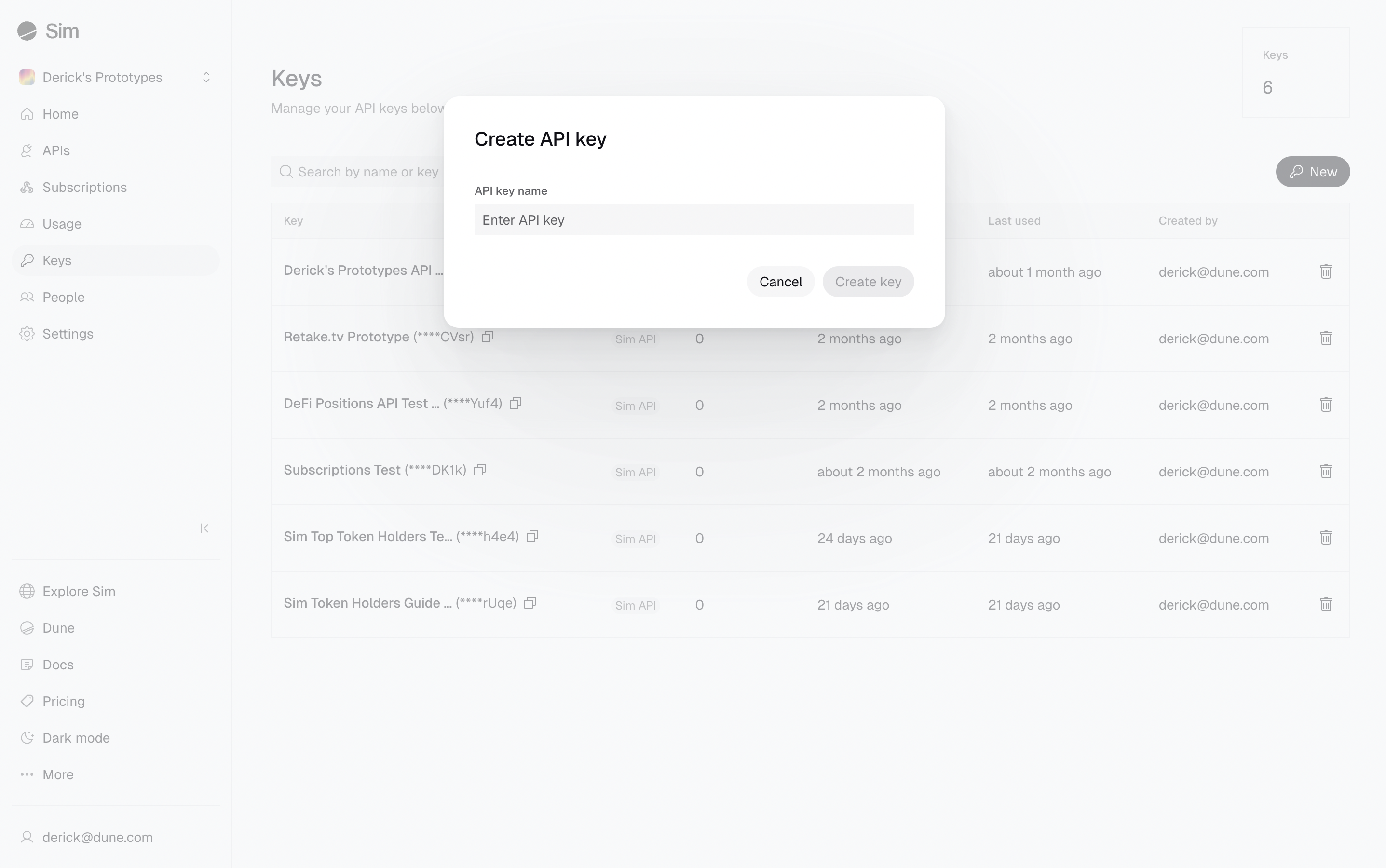
To generate a new API key, visit the Keys page and click the New button.
X-Sim-Api-Key header for every request.
Your API keys carry many privileges, so be sure to keep them secure.
Do not share your secret API keys in public places like GitHub, client-side code, and so on.
Your First Request
Let’s make your first request. We’ll retrieve token balances for0xd8da6bf26964af9d7eed9e03e53415d37aa96045 (Vitalik’s wallet) across multiple EVM chains using the Balances API.
Here’s how to make the API call:
Replace
YOUR_API_KEY with your actual API key from the Sim Dashboard.balances.
Each object in the array represents a token balance for the specified address on one of the chains, including various details.
Response (JSON)
Next Steps
After making your first API call to Sim APIs, you’ll either see the JSON response shown above (success!) or you might encounter an error. If you received an error, check out our Error Handling Guide for troubleshooting tips and best practices. If your call was successful, you’ve seen how easily you can retrieve comprehensive, multichain data. But this is just the beginning of what’s possible. Are you ready to learn more? Here are a few paths you can explore:Get Real-Time Notifications
Set up webhook subscriptions to receive instant notifications for balance changes, activity, and transactions — no polling required.
Explore EVM Endpoints
Access balances, activity, transactions, NFTs, and more across 60+ Ethereum and EVM-compatible chains.
Explore Solana Endpoints
Get real-time balances and transactions on Solana and Eclipse.
Build Real App Features
Follow our practical guides to build fully-functional features like token portfolio displays, real-time activity feeds, and more for your onchain apps.
Build with AI
Speed up your development using Sim APIs with our LLM-friendly resources.